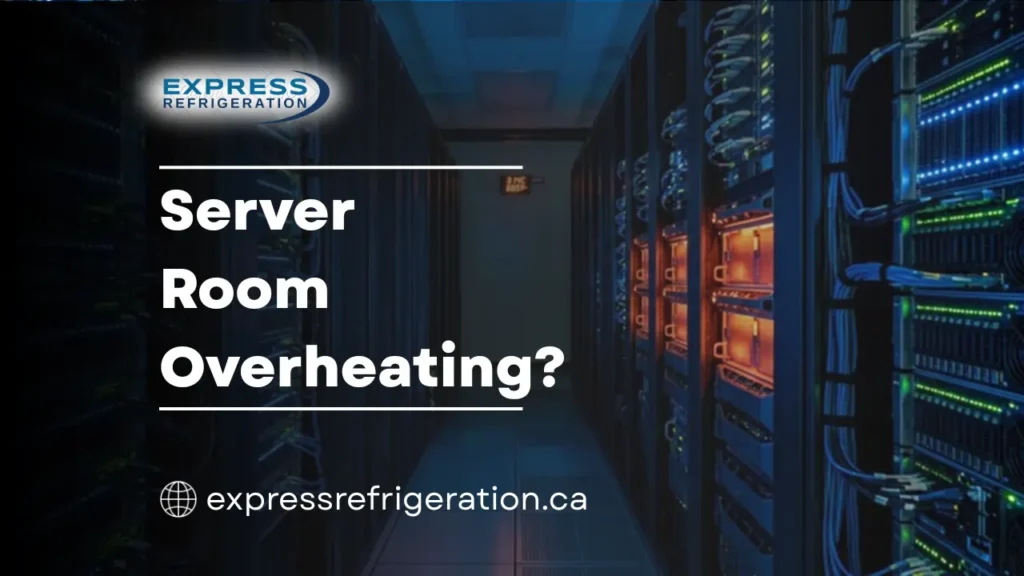
You walk into the office on a Monday morning, and your IT manager is already on the phone. The server room hit 35 degrees overnight. Equipment started shutting down automatically to protect itself, and now half the office has no access to internal systems, email, or shared files. Your business is effectively stalled, and the air conditioning unit dedicated to the server room is blowing warm air.
This scenario plays out more often than most Calgary business owners expect. Server rooms generate a tremendous amount of concentrated heat, and the cooling systems responsible for managing that heat are often overlooked until something goes wrong. Unlike a warm office where people are simply uncomfortable, a server room that overheats can cause permanent hardware damage, data loss, and significant operational downtime.
Understanding why server room cooling systems fail and what you can do to prevent those failures is one of the most practical steps a business owner or facility manager can take to protect critical infrastructure.
Why Server Rooms Need Dedicated Cooling
Standard office HVAC systems are designed to keep people comfortable. Server rooms have entirely different requirements. A single server rack can produce as much heat as a dozen space heaters running simultaneously, and that heat is concentrated in a small, enclosed space.
Without dedicated cooling, temperatures climb rapidly. Most server and networking equipment is designed to operate within a range of 18 to 27 degrees Celsius. Once the room exceeds that range, components begin to throttle performance to reduce heat output. Push temperatures higher, and you risk hard drive failure, processor damage, and complete system shutdowns.
Calgary businesses face an additional challenge. While winters are long and cold, summers are getting warmer. Office buildings that rely on a single commercial HVAC system for the entire building often cannot provide adequate cooling to a server room during peak summer months, especially when the rest of the building is also demanding cooling capacity.
Common Causes of Server Room HVAC Failures
Cooling failures in server rooms are not random. They follow predictable patterns, and experienced HVAC technicians see the same root causes repeatedly.
Undersized Cooling Equipment
One of the most frequent issues technicians encounter is a cooling system that was never sized correctly for the heat load in the room. This happens when businesses add servers or networking equipment over time without reassessing cooling capacity. What started as a small closet with a single rack gradually becomes a dense computing environment, but the original cooling unit was never upgraded to match.
An undersized system runs constantly, struggles to maintain temperature, and wears out far sooner than it should.
Dirty or Blocked Air Filters
Restricted airflow is the fastest way to degrade cooling performance. Server rooms tend to accumulate dust quickly due to the constant air circulation from equipment fans. When the HVAC filter becomes clogged, the cooling unit has to work significantly harder to move air through the system.
In many cases, a simple filter change can resolve a gradual temperature increase that has been creeping up over weeks. Technicians recommend checking server room HVAC filters monthly, regardless of the schedule used for the rest of the building.
Refrigerant Leaks
A cooling system that is low on refrigerant loses its ability to absorb and transfer heat effectively. The system runs, the fan blows, but the air coming out is not cold enough to counteract the heat being generated by the equipment.
Refrigerant does not naturally deplete. If levels are low, there is a leak somewhere in the system that needs to be located and repaired. This requires a licensed HVAC technician with proper diagnostic tools and refrigerant handling certification.
Failed or Aging Compressors
The compressor is the core of any cooling system. When it begins to fail, cooling output drops noticeably. Signs include the unit running but not cooling, unusual noises from the outdoor or rooftop component, or the system tripping electrical breakers.
Compressor failures are more common in units that have been running continuously for years without proper maintenance. Server room cooling systems often run 24 hours a day, 365 days a year, which puts far more wear on the compressor than a standard office AC unit experiences.
Thermostat and Sensor Issues
Server room cooling systems rely on accurate temperature readings to regulate their output. A thermostat or temperature sensor that is poorly placed, miscalibrated, or malfunctioning can cause the system to cycle incorrectly.
For example, if the sensor is located near the supply air vent rather than in the hot aisle between server racks, it reads a much lower temperature than the actual room conditions. The system thinks everything is fine while equipment is overheating on the other side of the room.
Condenser Coil Contamination
For systems with an outdoor or rooftop condensing unit, dirty condenser coils reduce the system’s ability to reject heat. In Calgary, rooftop units are exposed to dust, cottonwood seeds in early summer, and debris blown by chinook winds. Without regular cleaning, the condenser coil becomes insulated by buildup and the system’s efficiency drops sharply.
Poor Airflow Management Inside the Room
Sometimes the cooling system itself is functioning properly, but the airflow within the server room is poorly managed. Cable bundles blocking vents, server racks positioned too close together, or the absence of blanking panels in racks all allow hot exhaust air to recirculate back into equipment intakes. This creates hot spots that the cooling system cannot effectively address regardless of how hard it runs.
Warning Signs That Your Server Room Cooling Is Failing
Problems rarely appear without warning. Paying attention to early signs gives you time to schedule service before a full failure occurs.
- Room temperatures gradually trending upward over days or weeks
- The cooling unit running continuously without cycling off
- Warm air coming from supply vents instead of cold air
- Temperature alarms or alerts from server monitoring software
- Unusual sounds from the cooling unit such as grinding, rattling, or clicking
- Ice forming on refrigerant lines or the indoor coil
- Increased humidity or condensation inside the room
- Equipment fans running louder than normal as servers work harder to self-cool
Any of these signs warrants a professional inspection. The cost of a service call is minimal compared to the cost of replacing damaged server hardware or recovering from data loss.
How to Prevent Server Room Cooling Failures
Prevention is straightforward, but it requires consistency. Facility managers and business owners who treat server room cooling as critical infrastructure rather than a background system almost never face unexpected failures.
Schedule Regular Maintenance
Server room HVAC systems should be serviced at least twice a year, with additional filter checks every month. A comprehensive maintenance visit should include filter replacement, coil cleaning, refrigerant level checks, electrical inspections, thermostat calibration, and overall system performance testing.
Because these systems run continuously, they accumulate wear faster than seasonal equipment. A professional HVAC technician experienced with commercial cooling applications can identify developing issues before they cause a failure.
Monitor Temperatures Continuously
Install environmental monitoring sensors that provide real-time temperature and humidity data. Many modern systems can send alerts to your phone or email when conditions move outside the acceptable range. This early warning gives you hours, sometimes days, to respond before equipment is at risk.
Place sensors in multiple locations within the room, including hot aisles, cold aisles, and near the ceiling where heat naturally accumulates.
Manage Airflow Properly
Organize cable runs so they do not obstruct air vents or fan intakes. Use blanking panels in server racks to prevent hot air from recirculating into cold aisles. Ensure there is adequate clearance behind racks for exhaust air to flow freely toward return vents.
These are low-cost adjustments that can have a significant impact on cooling effectiveness.
Plan for Redundancy
For businesses that depend heavily on their server infrastructure, a single cooling unit with no backup is a risk. If that unit fails on a Friday evening, the room could overheat for hours before anyone notices. A redundant cooling setup, where a second unit can take over if the primary fails, provides a safety net that protects your investment.
Right-Size Your Cooling Equipment
If you have added servers, switches, or storage equipment since your cooling system was installed, have a technician assess whether your current unit still has adequate capacity. It is far better to upgrade proactively than to discover the system is undersized during a July heat wave.
The Real Cost of Cooling Downtime
Server room cooling failures carry costs that extend well beyond the HVAC repair bill. Consider the full impact:
- Hardware replacement: Overheated servers, switches, and storage devices can suffer permanent damage. Replacing enterprise-grade equipment is expensive and time-consuming.
- Data loss: Hard drives are particularly sensitive to heat. Even if the data is recoverable, the process takes time and diverts IT resources.
- Operational downtime: When servers go offline, employees cannot work. For businesses that rely on digital systems for sales, communication, or customer service, every hour of downtime has a measurable financial impact.
- Reputation damage: If the outage affects customer-facing systems such as websites, booking platforms, or payment processing, the impact extends to your clients.
Experienced facility managers understand that investing in cooling system maintenance is one of the most cost-effective ways to protect against all of these risks.
When to Call a Professional
Routine tasks like checking filters and monitoring temperatures can be handled internally. But anything involving the cooling system itself should be left to a qualified technician. Specifically, call for professional service if:
- The system is running but not maintaining temperature
- You hear unusual sounds from the unit
- Refrigerant lines show ice or frost
- Electrical breakers trip when the cooling unit starts
- The system short cycles repeatedly
- You are planning to add equipment and need a capacity assessment
Commercial cooling systems involve pressurized refrigerant, high-voltage electrical components, and controls that require specialized knowledge to service safely. A trained technician can diagnose problems accurately and recommend solutions that address the root cause rather than just the symptoms.
Protect Your Server Room with Professional HVAC Service
A server room cooling failure does not just affect your IT department. It affects your entire operation. The equipment in that room supports everything your business does, and the cooling system protecting it deserves the same level of attention.
If your server room HVAC system is showing signs of trouble, or if it has been more than six months since your last maintenance visit, do not wait for a failure to force your hand.
The experienced technicians at Express Refrigeration help Calgary businesses maintain and repair commercial cooling systems that protect critical infrastructure. From routine HVAC maintenance to emergency repairs, the team understands what is at stake and responds with the urgency your business requires.
Contact Express Refrigeration today to schedule a professional assessment and keep your server room running cool and reliable.